
SimulIDE for 32-bit Linux

Quote from desmondchan71 on November 19, 2026, 12:03 amHello,
For some very strange reasons I need 32bit Linux version. So I downloaded the source code of 1.1.0-SR2 and compiled it in Debian, and the executable can be found here.
When I tried to do the same on 2.0, some resources files (mainly related to translation) were missing. I tried to copy the translation resources from 1.1.0 to 2.0 but the language for traditional Chinese were missing. Of course I can remove that language, but there were some other missing files and cannot continue.
Any idea? Thank you.
Regards,
Desmond
Hello,
For some very strange reasons I need 32bit Linux version. So I downloaded the source code of 1.1.0-SR2 and compiled it in Debian, and the executable can be found here.
When I tried to do the same on 2.0, some resources files (mainly related to translation) were missing. I tried to copy the translation resources from 1.1.0 to 2.0 but the language for traditional Chinese were missing. Of course I can remove that language, but there were some other missing files and cannot continue.
Any idea? Thank you.
Regards,
Desmond

Quote from arcachofo on November 19, 2026, 10:22 amHi there.
You are right, resources folder is missing from sources.
I uploaded new zip file with that issue solved: https://simulide.com/p/download200/Thanks for reporting.
Hi there.
You are right, resources folder is missing from sources.
I uploaded new zip file with that issue solved: https://simulide.com/p/download200/
Thanks for reporting.
Quote from desmondchan71 on November 19, 2026, 5:01 pmHello,
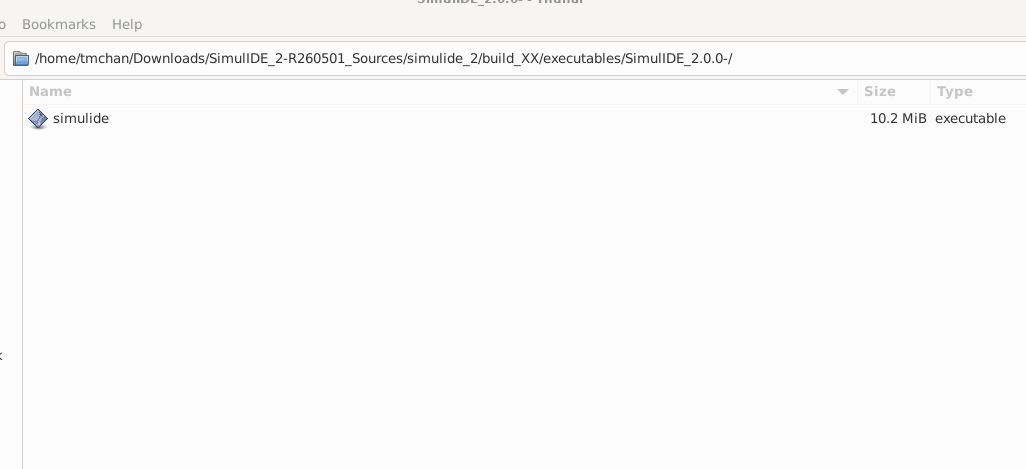
Thank you for your reply. I tried to compile 2.0 in Debian again. The compilation reported no error, but I found only one executable file in the folder without others (see attached screenshot).
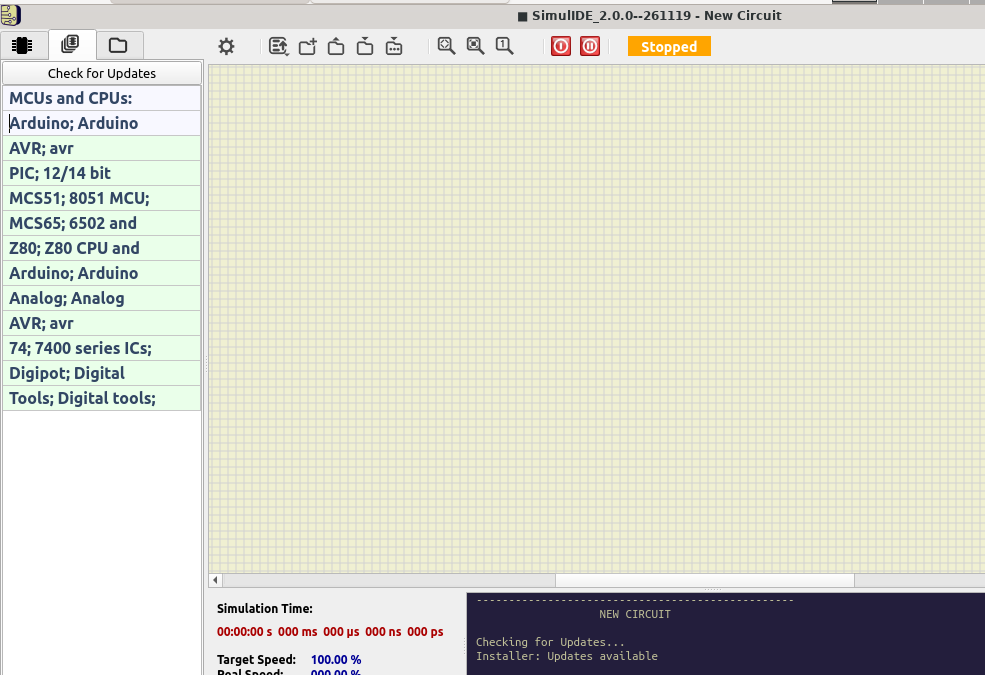
I ran the executable, it worked, but when I click 'Libraries' there was no option to select component. (see attached screenshot also)
Thank you.
Regards,
Desmond
Hello,
Thank you for your reply. I tried to compile 2.0 in Debian again. The compilation reported no error, but I found only one executable file in the folder without others (see attached screenshot).
I ran the executable, it worked, but when I click 'Libraries' there was no option to select component. (see attached screenshot also)
Thank you.
Regards,
Desmond
Quote from desmondchan71 on November 20, 2026, 9:08 pmHello,
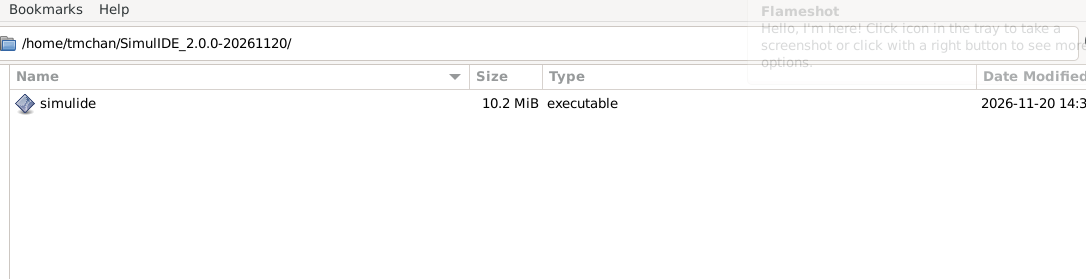
Thank you for your reply. I compiled the new version, and again only the executable can be found in the final folder (see below)
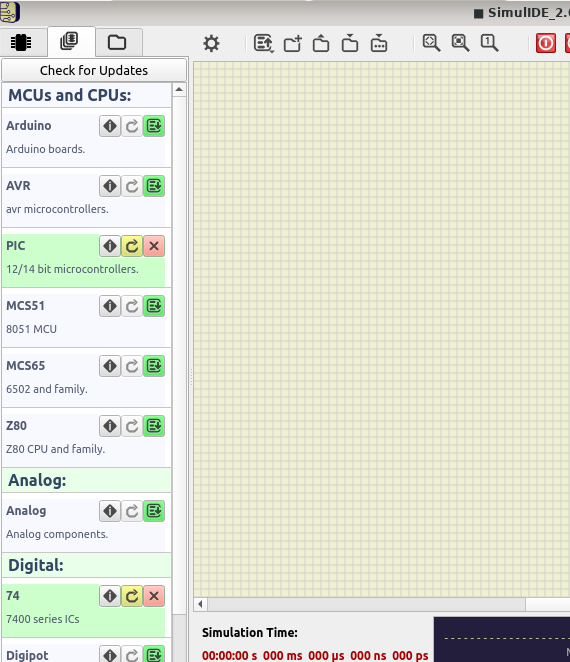
Now the 'Libraries' are available and I can add PIC and 74XX:
However, when I tried to drag a PIC controller or 74XX IC into the work place , they appeared as black boxes or totally transparent:
It was possible to load firmware into the PIC controller and seemed to able to run (according to the mcu monitor)
Hello,
Thank you for your reply. I compiled the new version, and again only the executable can be found in the final folder (see below)
Now the 'Libraries' are available and I can add PIC and 74XX:
However, when I tried to drag a PIC controller or 74XX IC into the work place , they appeared as black boxes or totally transparent:
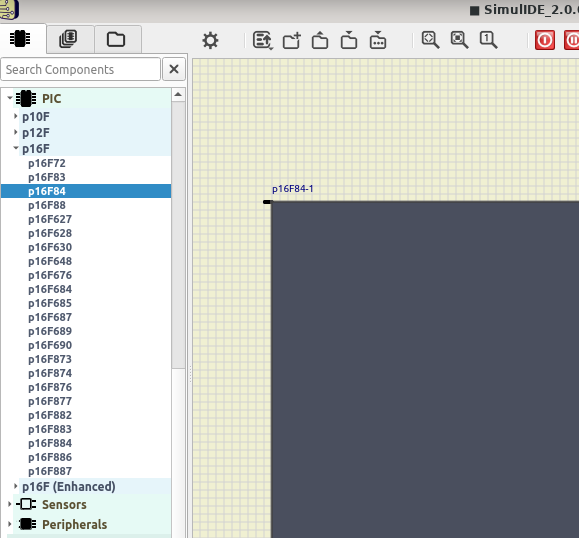
It was possible to load firmware into the PIC controller and seemed to able to run (according to the mcu monitor)